Shopify's New Stock Count Tool: What Changed and Who It's For
No more spreadsheets and sticky notes when it's time to count what's actually left in the garage. Here's what Shopify just shipped.

TL;DR: On October 20, 2026, Shopify added proper stock-count tools to its admin: you can schedule a count, assign it to a helper or staff member, let them scan or search products on admin or POS, and review the variance before anything actually changes in your inventory numbers. It's aimed at the moment a one-person shop starts bringing in part-time help, and it replaces the old routine of a spreadsheet, a notepad, and hoping nobody double-counts the same shelf.
What exactly did Shopify change?
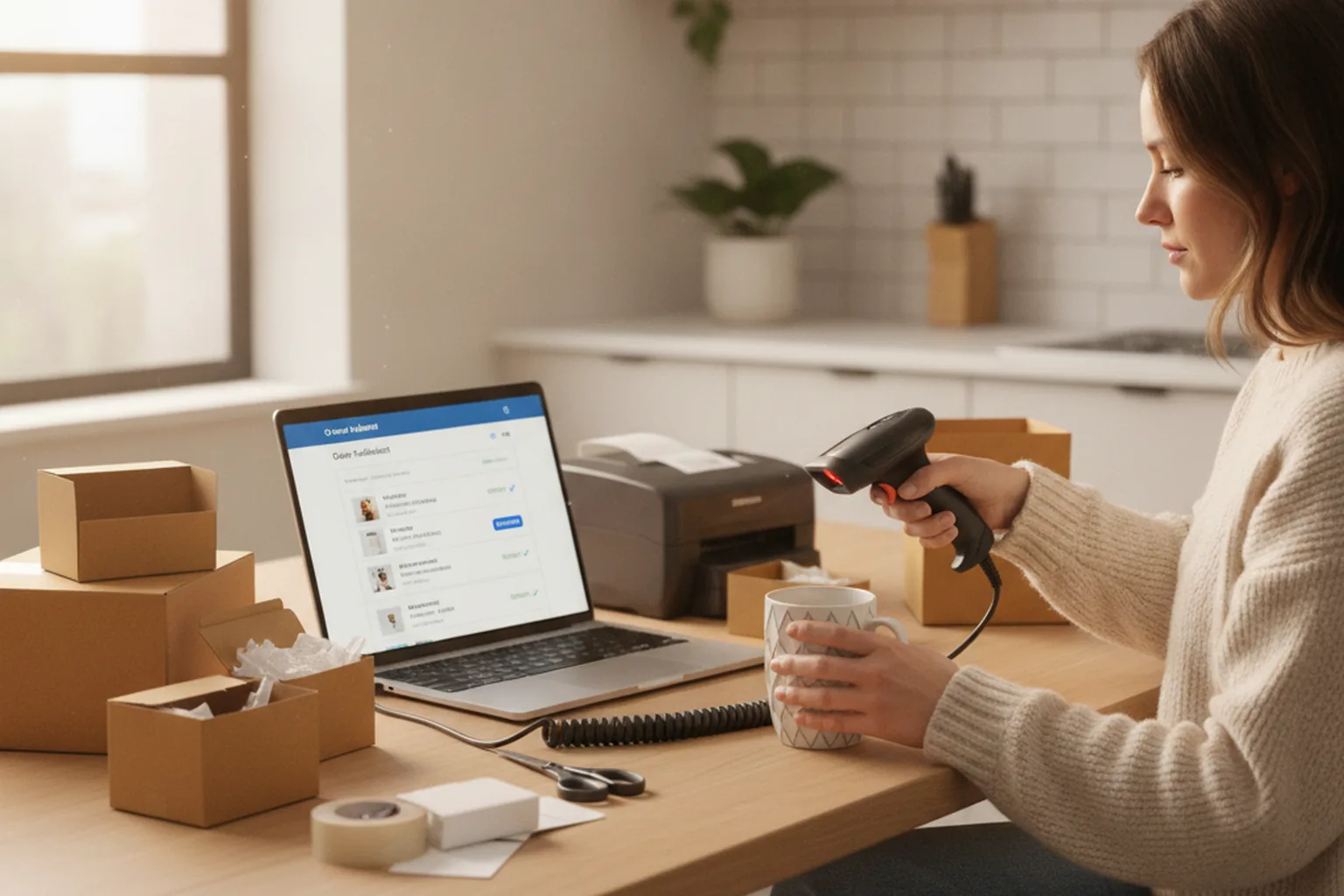
Shopify's own changelog confirms the rollout: stock counts can now be created and scheduled directly in admin, products can be added by search or barcode scan, and counts can be assigned to specific staff. Multiple people can work the same count without overwriting each other's numbers, and admins can see who recorded which quantity. Once a count is finished, nothing updates automatically — you review the variance between what was counted and what the system had on file, and approve or reject the change before stock levels move.
On the Point of Sale side, staff can pick up a count that was created in admin and complete it right there on the shop floor (or kitchen table), instead of running a separate manual tally afterwards. New permission settings also let you separate "who can count" from "who can approve the count" — useful if you want a helper doing the physical counting without giving them the ability to change your live inventory numbers.
Why does this matter for a one-person home store?
If you're the only person touching your inventory, this update barely changes your day — you were already the one counting, the one updating, and the one trusting your own numbers. The moment it starts to matter is the one a lot of home-based sellers eventually hit: your partner, a friend, or a part-time helper starts packing orders or doing a stocktake for you, and suddenly "just trust the numbers" isn't good enough anymore.
Before this update, handing inventory counting to someone else usually meant a shared spreadsheet, a photo of a shelf texted to you, or crossing your fingers that nobody recounted the same box twice. Now there's a built-in way to assign the job, let them do the physical work on their own phone or the shop iPad, and still have the final say before anything actually changes. It's a small thing, but it's exactly the kind of "I can finally step back a little" feature that home-based store owners ask for once they stop doing absolutely everything themselves.
Where Shopify's built-in tools stop being enough
For a straightforward shop with one supplier and a shelf or two of stock, this update is genuinely enough — no extra software needed. But it does have real limits. It's built around counting what's already in your shop, not around the messier parts of running inventory across channels: syncing stock between your website and a marketplace listing, flagging when a bundle's components run low before the bundle itself shows out of stock, or pulling live numbers from a supplier who isn't on Shopify at all.
That's usually the point where a store has genuinely outgrown what any off-the-shelf admin panel can do for it, and it's worth a real conversation with a developer who builds custom inventory and store software rather than trying to stitch together another app or spreadsheet workaround on top of what you already have.
What should you actually do with this update?
If you've never brought in help for inventory, there's nothing urgent here — file it away for later. If you have a helper (or are about to), it's worth 20 minutes this week: create your first scheduled count in admin, assign it to them, and walk through approving the variance together once so you both know what "done" looks like before it becomes a real stocktake you're relying on.
FAQ
When did Shopify release the new stock count feature?
Shopify confirmed the rollout on its official changelog on October 20, 2026.
Do I need Shopify POS to use it?
You can create and schedule counts in admin on any plan. The staff-completes-it-on-the-shop-floor workflow and the separate counting-versus-approving permissions require Shopify POS Pro.
Will a helper's count change my stock levels automatically?
No. Counts are reviewed for variance and must be approved before inventory numbers update, so a miscount doesn't silently overwrite your real stock.
Is this worth setting up if I'm the only one running my store?
Not really. The benefit is almost entirely about handing counting work to someone else safely — if that's not happening yet, your current routine is probably fine.
Figuring out which built-in tools are enough and which ones mean it's time for something custom-built is exactly the kind of decision we help with — see how we work with mums building a store around the rest of their life.